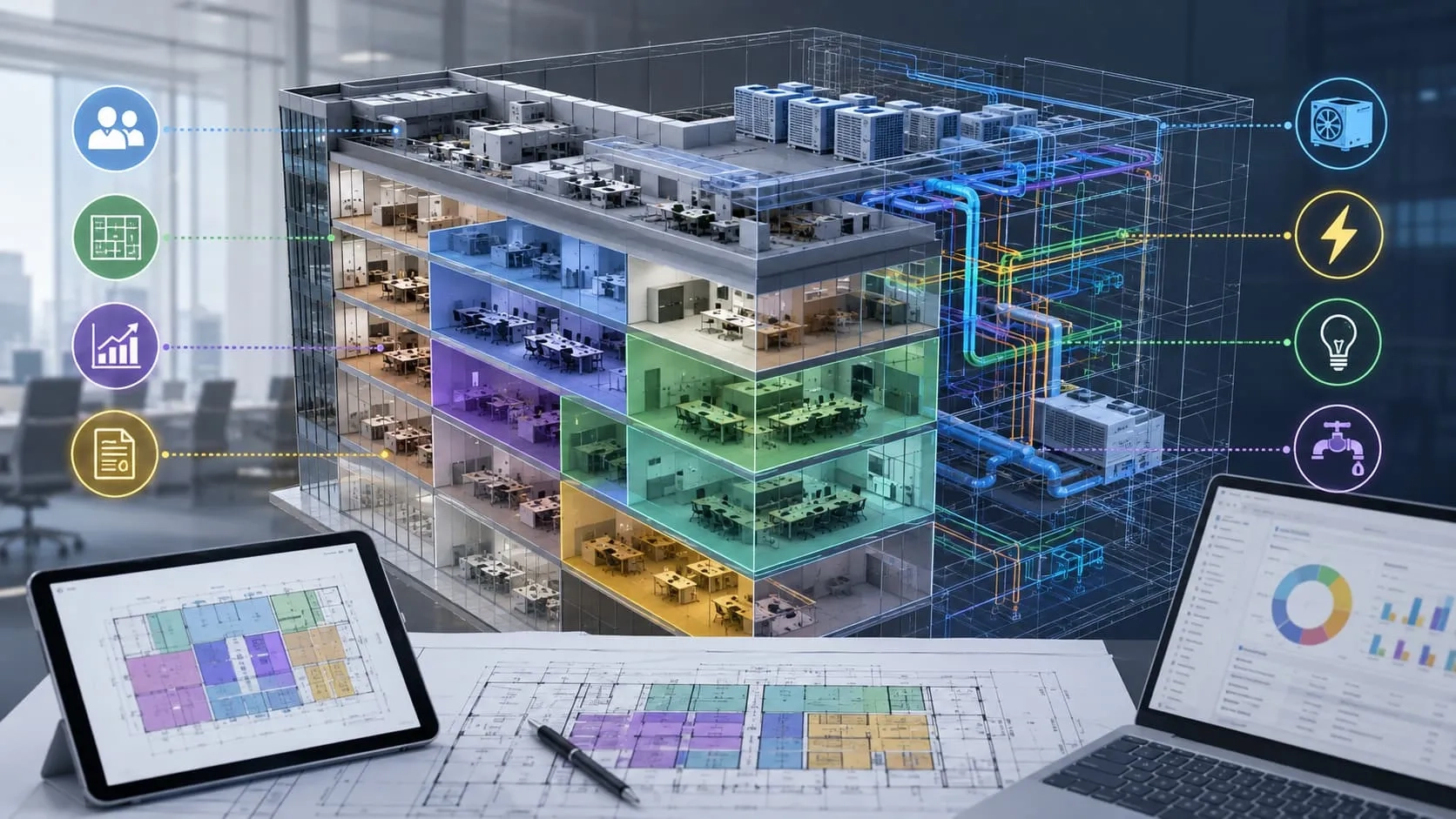
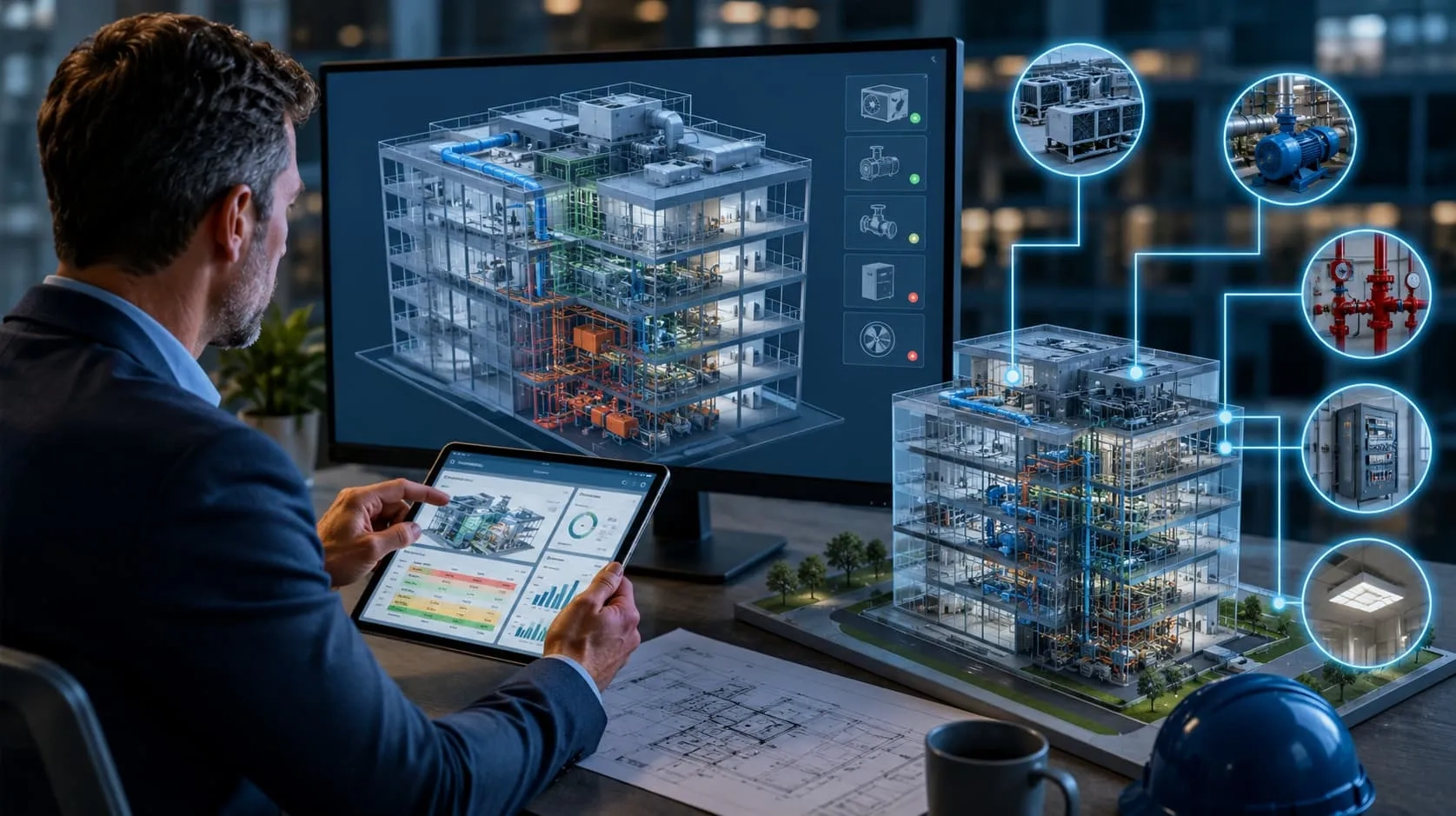
On paper, most construction projects look perfectly planned—clear designs, defined schedules, and aligned teams. But once construction begins, reality unfolds differently: tasks overlap, teams clash, timelines slip, and costs start creeping up. In fact, the majority of projects still struggle with delays, budget overruns, and coordination issues. The problem isn’t a lack of planning—it’s that planning is disconnected. A 3D model shows what to build, while a schedule shows when to build, but neither reveals how everything actually plays out together. And that missing link is exactly where problems begin. This is where 4D BIM changes everything—by connecting design with time to simulate construction before it even starts.
What is 4D BIM Modeling?
4D = 3D + Time (Schedule)
So, what is 4D BIM? At its core, 4D BIM modeling in construction is the integration of time into a 3D model. It transforms static designs into a dynamic, time-based representation of how a project will be built. Simply put: 4D = 3D + Time (Schedule).
From Model + Timeline to Construction Simulation
Instead of separating design and schedule, 4D BIM connects them into a single environment. A 3D model shows what will be built, while the timeline defines when each activity happens. When combined, they create a simulation of the entire construction process—allowing teams to visualize each phase, sequence tasks, and understand how the project evolves over time.
3D BIM vs 4D BIM
The difference is not just technical—it’s fundamental.
3D BIM provides a static view of the project: geometry, layout, and spatial coordination.
4D BIM adds movement and sequence, turning that static model into a time-driven simulation.
In other words, 3D BIM shows the final result, while 4D BIM modeling in construction shows the journey to get there.

Read more:
3D BIM Modeling Services: Cost, Workflow & Why Outsourcing Saves 30%
Traditional Scheduling vs. BIM 4D Modeling: A Different Dimension in Planning
Construction scheduling has long relied on traditional methods, but BIM 4D modeling is shaking things up by adding a whole new dimension to the process. Here's how they differ:
Visualization
Traditional scheduling relies on 2D bar charts and spreadsheets, which can be complex to interpret, especially for those unfamiliar with scheduling symbols. BIM 4D modeling takes the 3D BIM model and links it with the schedule, creating a visual simulation of the construction sequence. This allows everyone involved to see exactly how the project will unfold, from foundation to finish.
Communication
Flat 2D plans can lead to misunderstandings. BIM 4D's visual nature makes it easier for architects, engineers, contractors, and even clients to understand the sequencing and identify potential clashes before they occur on site. This fosters better communication and collaboration.
Analysis
Traditional methods involve analyzing pages of data to assess the schedule's viability. BIM 4D allows for real-time analysis. You can see how different scenarios play out in the virtual environment, helping to identify bottlenecks, optimize resource allocation, and mitigate potential delays.
Progress Tracking
Traditional methods rely on manual updates to track progress. BIM 4D models can be synced with reality capture data, allowing for a more accurate and visual representation of progress compared to the planned schedule.
Documentation
Changes to the traditional schedule often involve modifying multiple documents. BIM 4D simplifies this process. Since everything is linked to the 3D model, updates made to the schedule are automatically reflected in the visuals, ensuring everyone has access to the latest information.
Key Differences at a Glance
- Traditional scheduling relies on Gantt charts → 4D BIM uses visual simulation
- Traditional methods are harder to interpret → 4D BIM is intuitive and easy to visualize
- Traditional planning is reactive → 4D BIM enables predictive decision-making

Traditional scheduling helps track progress, but 4D BIM helps shape it. By connecting time with space, 4D BIM transforms planning from reactive management into proactive control—giving teams the ability to anticipate problems instead of responding to them.
Key Benefits of 4D BIM Modeling
Reduce Construction Delays
One of the biggest advantages of 4D BIM modeling is the ability to identify sequencing issues before construction even begins. By simulating the entire build process, teams can spot overlaps, clashes in workflow, and unrealistic timelines early—when adjustments are still easy and inexpensive. The result is a smoother execution with far fewer unexpected delays.
Optimize Scheduling Accuracy
Traditional schedules often rely on assumptions and estimations. 4D BIM changes that by grounding the schedule in actual model data and construction logic. This leads to more realistic planning, where timelines reflect how work will truly happen on-site—not just how it looks on paper.
Improve Team Coordination
With 4D BIM, all stakeholders—from designers to contractors—work from a shared, visual timeline. Instead of interpreting separate drawings and schedules, everyone sees the same construction sequence. This alignment reduces miscommunication, improves collaboration, and ensures that teams move in sync.
Cut Project Costs
Cost savings in 4D BIM don’t come from cutting corners—they come from eliminating waste. By optimizing sequencing and planning, projects can significantly reduce:
- Rework caused by poor coordination
- Idle time between activities
- Inefficient use of labor and resources
Outcome: Faster, Safer, and More Predictable Projects
When these benefits come together, the impact is clear: faster project delivery, lower risk of disruption, and a stronger return on investment. 4D BIM doesn’t just improve planning—it transforms project outcomes.

Exploring the Varieties of 4D BIM Modeling - Scheduling Models in Project Management
There are mainly two types of 4D scheduling models:
Standalone 4D Schedule Models
One type of 4D Schedule Model is called the "standalone 4D schedule model." Here's how it works: You have a 3D model (like a digital representation of a building) and a schedule (a plan of when tasks need to be done).
Now, you simply connect each task in the schedule to the related element in the 3D model. By doing this, you create a single, cohesive standalone 4D schedule model.
Comparative 4D Schedule Models
Another type of 4D Schedule Models is called the "Comparative 4D Schedule Models." These models allow project teams to review multiple related 4D models and visualize different scenarios at the same time.
For example, one scenario in Comparative 4D Schedule Models involves comparing a single 3D model with two schedules. This helps users visually see the differences between the "baseline schedule" and the "updated schedule."
These models are also useful for schedule delay analysis, where you compare schedules like the original plan ("as-planned schedule") with what was actually built ("as-built schedule").
Another scenario in Comparative 4D Schedule Models is comparing two separate 3D models along with their respective schedules. This can help project teams make informed decisions and identify potential issues.
Why Most 4D BIM Implementations Still Fail
Despite its potential, many 4D BIM implementations don’t deliver the expected results—and the reason is often misunderstood. The issue isn’t the technology itself, but how it’s used.
Tool-Driven, Not Outcome-Driven
Many teams focus too much on mastering software, assuming that knowing the tool is enough. They can link models to schedules, run simulations, and generate visuals—but these outputs don’t automatically translate into better planning or decision-making.
Lack of Construction Logic
4D BIM is deeply tied to how construction actually works on-site. Without a clear understanding of sequencing, dependencies, and real-world workflows, even the most advanced simulation can be misleading. A timeline that looks correct in software may be completely impractical in reality.
Insufficient Model Detail
Another common issue is using models that are not detailed or structured enough for 4D simulation. Missing elements, incorrect breakdowns, or poor alignment with the schedule can lead to inaccurate results—making the simulation unreliable for planning.
The Real Problem
When these gaps combine, 4D BIM becomes just a visual exercise instead of a decision-making tool. And that’s why many implementations fail to create real impact.
👉 4D BIM is not about software—it’s about expertise.
How Harmony AT Delivers 4D BIM That Actually Works
Most 4D BIM outputs look impressive—but not all of them are useful. A simulation can be visually correct and still fail in real construction. The difference lies in how it’s built.
Beyond Simulation
At Harmony AT, the goal isn’t just to create a visual timeline. It’s to build a simulation that reflects how construction actually happens. That means going beyond linking models and schedules, and focusing on the logic behind every sequence.
Built on Real Construction Thinking
Every model is developed with a deep understanding of construction workflows—how tasks depend on each other, how teams interact on-site, and where risks typically occur. Sequencing isn’t just assigned; it’s analyzed and optimized to match real execution conditions.
Workflow Optimization, Not Just Visualization
Instead of simply showing progress over time, the process is designed to improve it. By refining task sequences, aligning model elements with construction logic, and ensuring the right level of detail, the simulation becomes a decision-making tool—not just a presentation.
Aligned with Reality
The result is a 4D BIM model that doesn’t just look good on screen, but works in practice—helping teams anticipate issues, coordinate effectively, and move forward with confidence.
Outcome That Matters
- Predictable timelines
- Fewer unexpected issues
- Stronger coordination across teams
👉 Request a sample simulation and see how your project timeline would actually look before construction even begins.
Categories