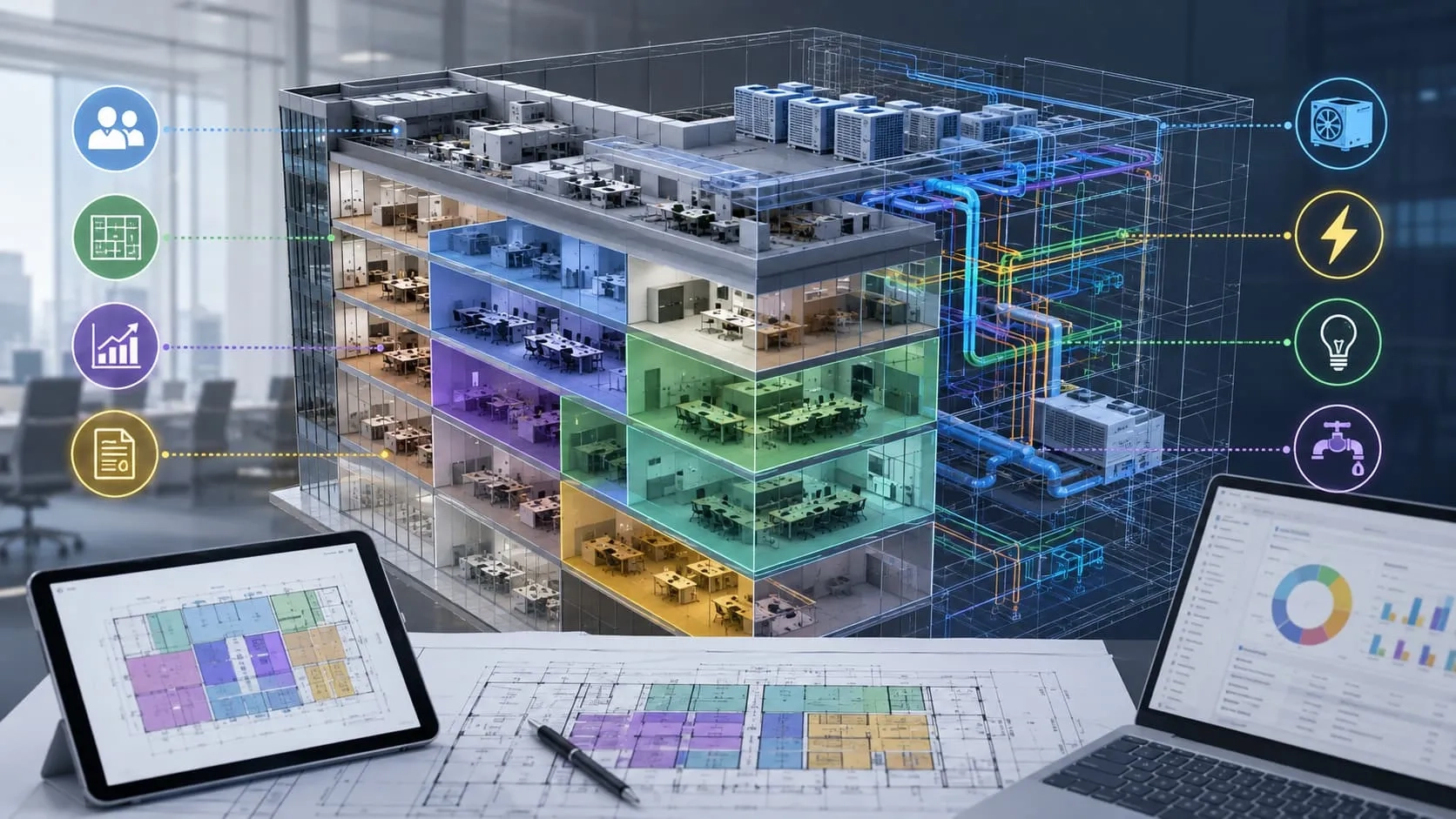
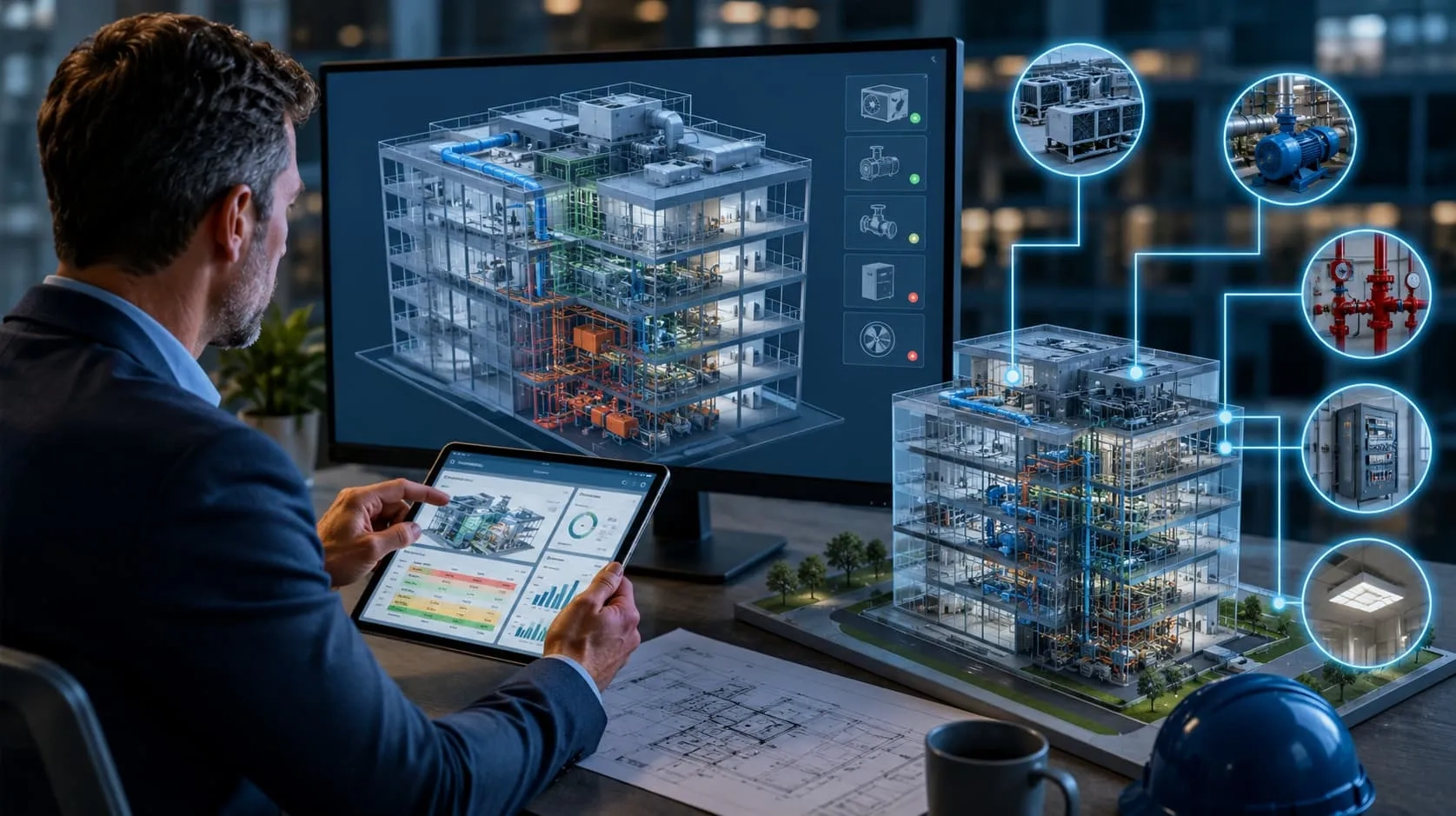
Renovation projects often start with one major challenge: outdated or inaccurate drawings that no longer reflect real-world conditions. This gap between design and reality can lead to costly errors, unexpected rework, and project delays. Instead of relying on assumptions, today’s teams are turning to Point Cloud to BIM to capture precise existing conditions and transform them into reliable as-built models. In this article, we’ll explore how this approach helps reduce errors, control costs, and bring greater certainty to renovation projects.
What is Point Cloud to BIM?
Point Cloud to BIM is the process of converting real-world scan data into an accurate and intelligent 3D BIM model that reflects the true condition of a building. This method plays a critical role in renovation projects, where reliable as-built information is often missing or outdated.
A point cloud is a digital representation of a physical space, created using 3D laser scanning technology.
During the scanning process, millions (or even billions) of points are captured, each with precise X, Y, and Z coordinates. These points collectively form a highly detailed “snapshot” of the existing environment, including walls, floors, ceilings, structures, and even complex geometries.
Key characteristics:
- Extremely high accuracy (often within millimeters)
- Captures real-world conditions exactly as they are
- Raw data format (not yet structured for design use)
👉 However, point clouds alone are difficult to use directly for design or construction without further processing.
What is a BIM Model?
A BIM (Building Information Modeling) model is a structured and data-rich 3D model used throughout the design, construction, and operation of a building.
Unlike point clouds, BIM models are:
- Parametric (objects like walls, doors, pipes are “intelligent”)
- Editable and measurable
- Integrated with information such as materials, dimensions, and systems
👉 BIM models enable better coordination, analysis, and decision-making across project stakeholders.
What is Point Cloud to BIM?
Point Cloud to BIM is the workflow that transforms raw scan data into a usable BIM model.
This process typically involves:
- Importing and processing point cloud data
- Interpreting geometry and building elements
- Reconstructing them into a structured BIM model (e.g., in Revit)
👉 The result is an accurate as-built BIM model that reflects the actual condition of the site—not assumptions or outdated drawings.

Read more: Scan to BIM: Advancing Your Construction Projects
Why Renovation Projects Need Point Cloud to BIM
Renovation projects are rarely straightforward. Unlike new construction, where everything starts from a clean slate, renovation requires working with existing structures that have evolved over time—often without proper documentation. This creates a critical gap between what is assumed and what actually exists on site.
That gap is where most risks begin.
Point Cloud to BIM closes this gap by capturing real-world conditions with high precision and converting them into reliable BIM models—giving project teams a solid foundation to design, plan, and execute with confidence.

Lack of Reliable As-Built Drawings
One of the biggest challenges in renovation projects is the lack of accurate as-built documentation. In many cases, original drawings are outdated, incomplete, or simply do not reflect modifications made over the years.
This leads to:
- Design decisions based on assumptions rather than facts
- Inconsistent measurements between teams
- Unexpected issues discovered only during construction
👉 How Point Cloud to BIM changes this:
Instead of relying on old drawings, 3D laser scanning captures the building exactly as it exists today—down to millimeter-level accuracy.
This data is then converted into a precise as-built BIM model, providing:
- A single source of truth for all stakeholders
- Reliable geometry for design and coordination
- Confidence in every decision made from the early stages
👉 No more guessing. No more outdated information.
Complex Existing Conditions
Existing buildings are rarely perfect. Over time, structures shift, systems are modified, and new elements are added—often without proper records. What looks simple on paper can be highly complex in reality.
Typical challenges include:
- Irregular walls, floors, and structural misalignments
- Hidden or undocumented MEP systems
- Difficult-to-access areas that are hard to measure manually
👉 How Point Cloud to BIM solves this complexity:
Laser scanning captures millions of data points across the entire building, including areas that are hard to reach or visually complex.
When this data is translated into a BIM model:
- Irregular geometries are accurately represented
- Hidden conflicts can be identified early
- Teams gain a complete and detailed understanding of the space
👉 What was once “uncertain” becomes clearly visible and measurable.
High Risk of Errors and Rework
When projects rely on incomplete or inaccurate data, errors are almost inevitable. These errors often don’t appear until construction begins—when fixing them becomes expensive and time-consuming.
Common consequences include:
- Design clashes between architecture, structure, and MEP systems
- On-site modifications and rework
- Project delays and budget overruns
👉 How Point Cloud to BIM reduces risk:
By providing an accurate digital representation of existing conditions, Point Cloud to BIM enables:
- Early clash detection based on real-world data
- Better coordination across disciplines
- More precise planning and execution
👉 The result is fewer surprises on site—and significantly less rework.
Point Cloud to BIM Workflow
To fully leverage the value of Point Cloud to BIM in renovation projects, it’s important to understand how raw scan data is transformed into a reliable, high-accuracy BIM model. This process involves several critical steps, each ensuring that the final model truly reflects real-world conditions.
Step 1: 3D Laser Scanning (Capturing Reality)
The workflow begins with 3D laser scanning, where the existing building is captured in detail using advanced scanning equipment.
During this stage:
- Laser scanners collect millions of data points from the physical environment
- Every surface—walls, floors, ceilings, structures, and MEP elements—is recorded
- Multiple scan positions are used to ensure full coverage, including hard-to-reach areas
👉 The result is a high-density point cloud dataset that represents the exact current condition of the site.
Step 2: Point Cloud Processing & Registration
Once the data is captured, it must be processed and organized before it can be used for modeling.
This step includes:
- Registration: aligning multiple scans into a single coordinated dataset
- Cleaning: removing noise, duplicates, or irrelevant data
- Optimization: reducing file size while maintaining accuracy
👉 The outcome is a clean, unified, and usable point cloud, ready for BIM modeling.
Step 3: BIM Modeling (From Data to Intelligence)
In this stage, the processed point cloud is converted into a structured BIM model using software such as Autodesk Revit.
Modelers interpret the scan data and recreate building elements, including:
- Architectural components (walls, floors, doors, windows)
- Structural systems (columns, beams, slabs)
- MEP systems (ducts, pipes, cable trays)
Depending on project requirements, the model is developed to different Levels of Development (LOD):
- LOD 100–200: conceptual or approximate geometry
- LOD 300–350: detailed design and coordination
- LOD 400–500: fabrication and as-built accuracy
👉 The result is an intelligent BIM model that goes beyond geometry, enabling analysis, coordination, and decision-making.
Step 4: Quality Check & Validation (Ensuring Accuracy)
The final and most critical step is validating the BIM model against the original point cloud data.
This involves:
- Comparing the model geometry directly with scan data
- Checking deviations and tolerances (often within millimeters)
- Verifying completeness and consistency across disciplines
👉 Any discrepancies are corrected to ensure the model accurately reflects real-world conditions.
Final Outcome
By following this structured workflow, Point Cloud to BIM delivers a highly accurate as-built BIM model that can be trusted for renovation design, coordination, and construction.
How Harmony AT Supports Your Renovation Projects
Successfully implementing Point Cloud to BIM is not just about technology—it requires the right expertise, workflow, and understanding of real project challenges. This is where Harmony AT brings value.
With extensive experience in BIM services and a strong focus on renovation and existing building projects, Harmony AT helps clients transform complex real-world conditions into accurate, reliable as-built models.
From Complex Reality to Reliable BIM
Renovation projects often involve incomplete data, tight timelines, and high expectations for accuracy. Harmony AT addresses these challenges by:
- Applying structured Point Cloud to BIM workflows from scanning to validation
- Ensuring high-accuracy modeling aligned with project requirements (LOD 100–500)
- Delivering models that are ready for coordination, design, and construction
👉 The goal is simple: turn uncertainty into clarity.
Experience in International Projects
Harmony AT has experience working with international clients, particularly in demanding markets such as Japan, where precision and consistency are critical.
This means:
- Strong quality control (QA/QC) processes
- Clear communication and standardized workflows
- Ability to meet strict technical and delivery requirements
👉 Clients can rely on consistent quality across every project.
Cost-Effective and Scalable Solutions
By combining skilled BIM teams with optimized workflows, Harmony AT provides:
- Competitive outsourcing solutions
- Flexible resource scaling based on project size
- Efficient turnaround without compromising quality
👉 Helping clients reduce costs while maintaining high standards.
A Reliable Partner for Renovation Success
Whether you're dealing with outdated drawings, complex existing conditions, or high coordination risks, Harmony AT supports you with accurate data and dependable BIM models.
👉 With the right partner, renovation projects become more predictable, efficient, and successful.
Categories